Alarm in Zone
Set the moment, not the math.
Download

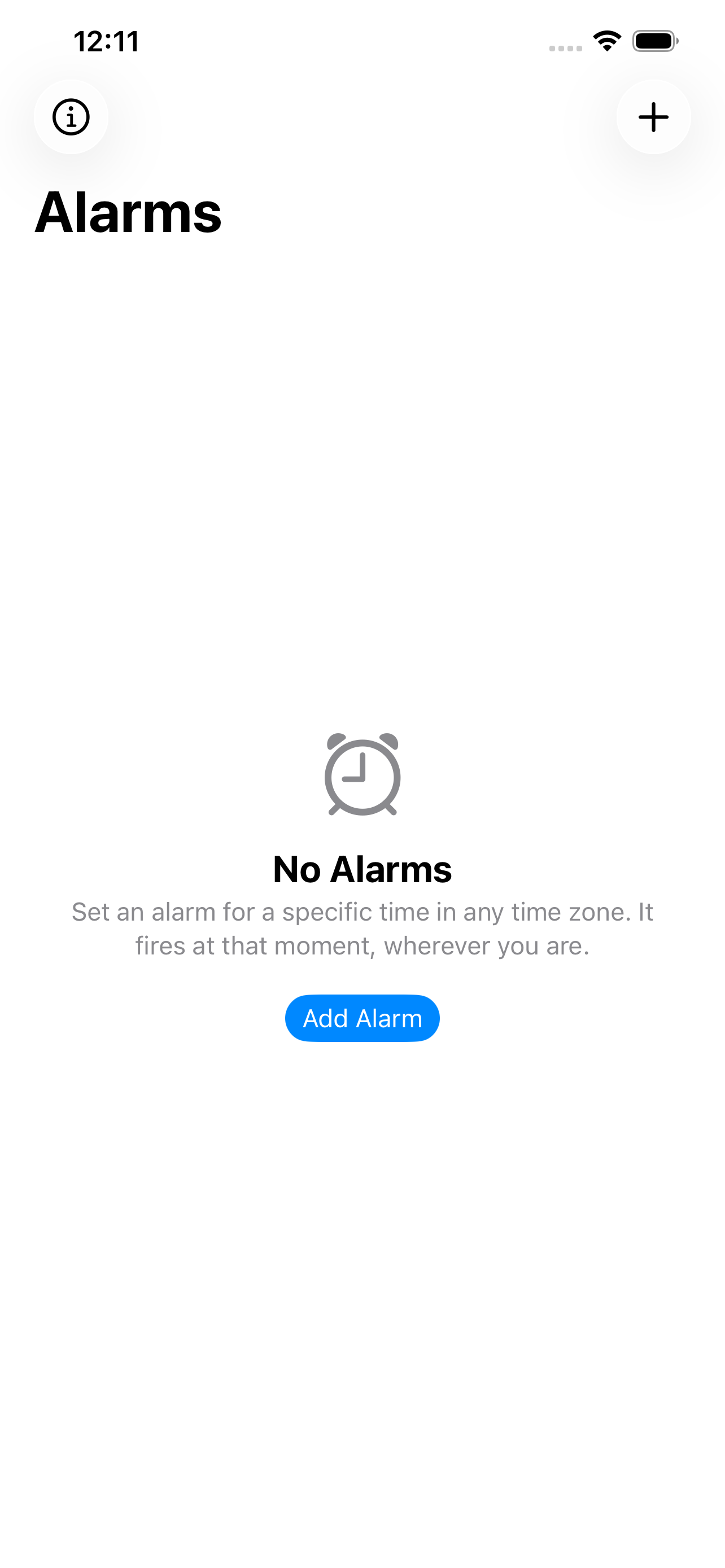
Set an alarm for a specific time in a specific city. It fires at that moment — no matter where your device is.
The problem
Every alarm app anchors to your device's current time zone. Cross a border and "7:00 AM" follows you to the new locale. Usually that's fine. Sometimes it's exactly wrong:
- You're in Tokyo and want a reminder when it's 7:00 PM back home in Boston.
- You're on a short trip and want to wake up on home time.
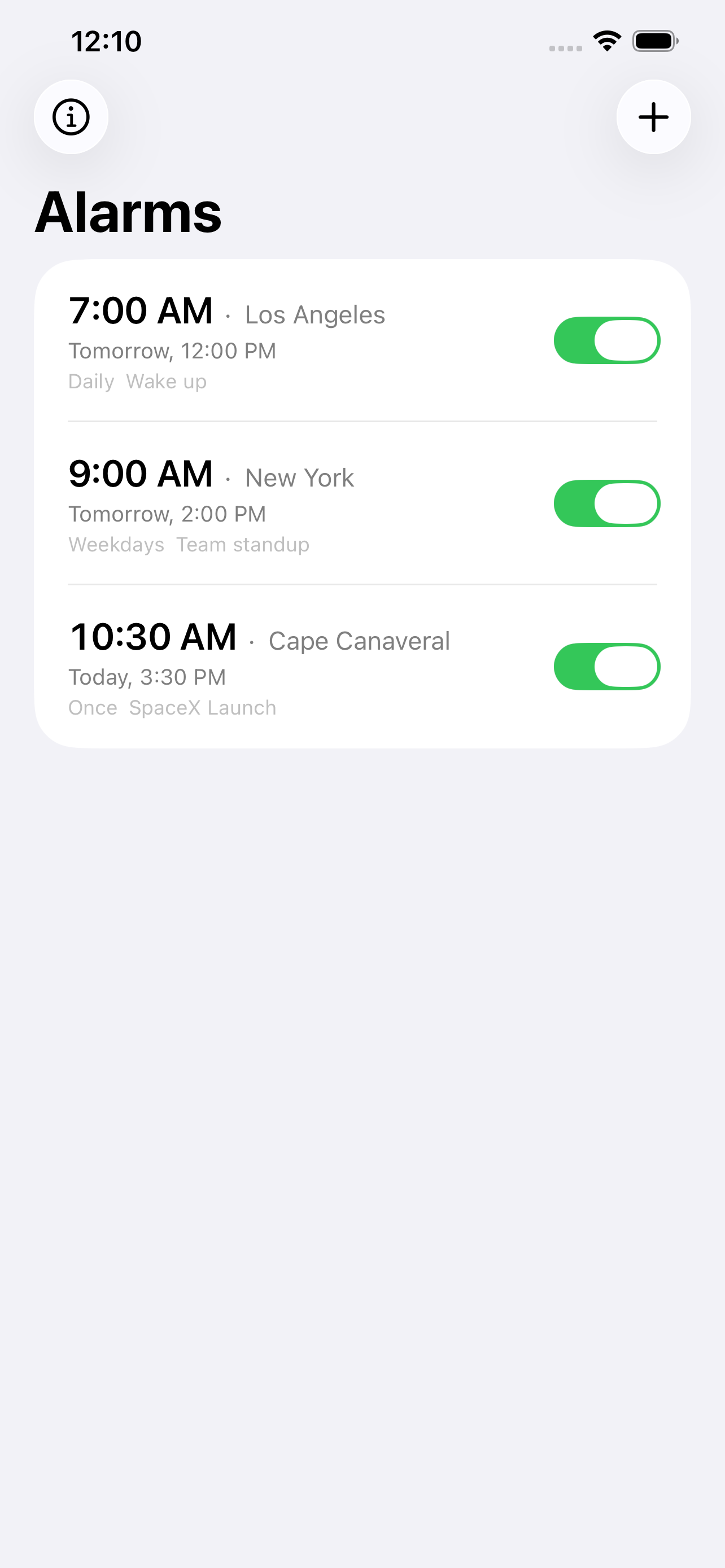
- A launch or market open is scheduled at 10:30 AM Eastern and you want an alarm that stays anchored to Eastern, forever.
Alarm in Zone gives each alarm its own home city. Foundation handles DST automatically. The alarm fires at the right moment, always.
How it works
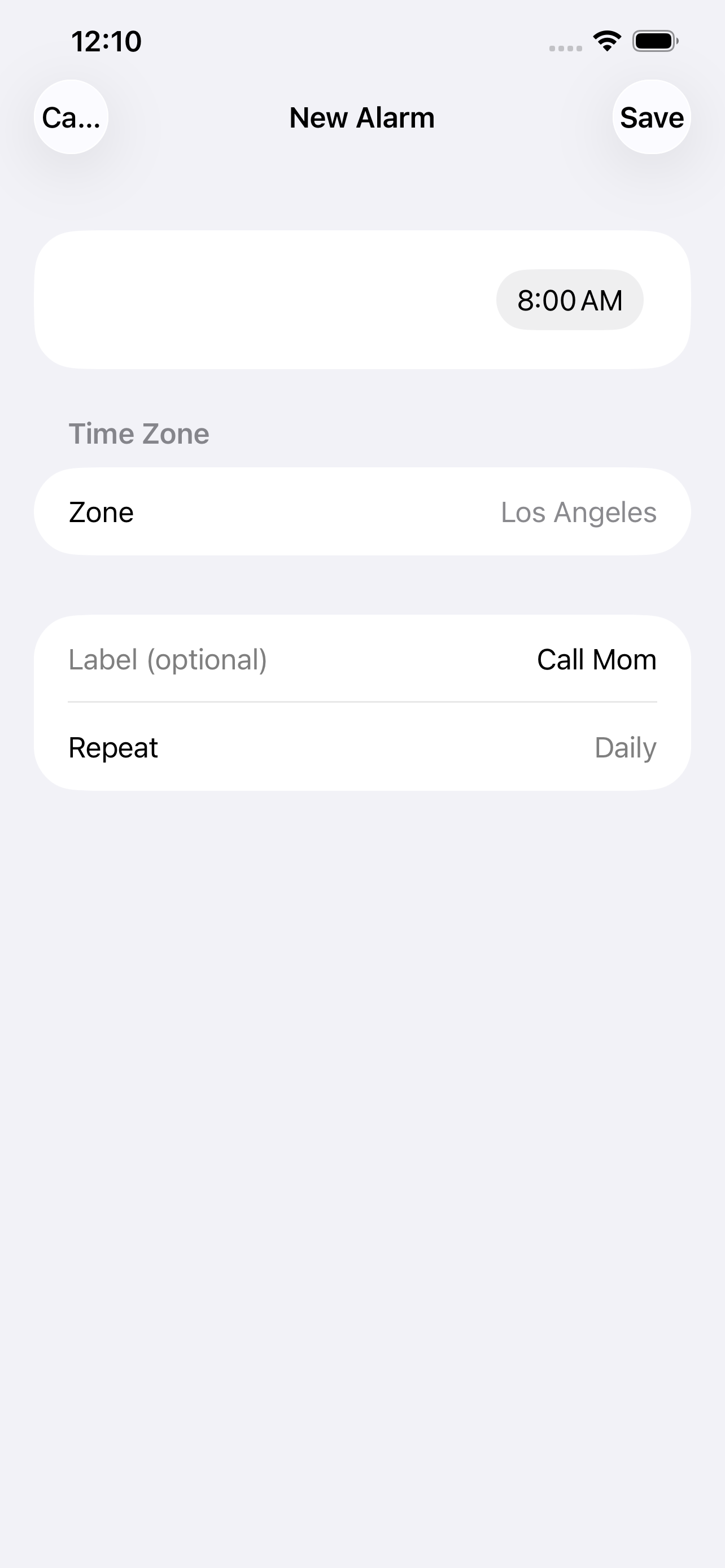
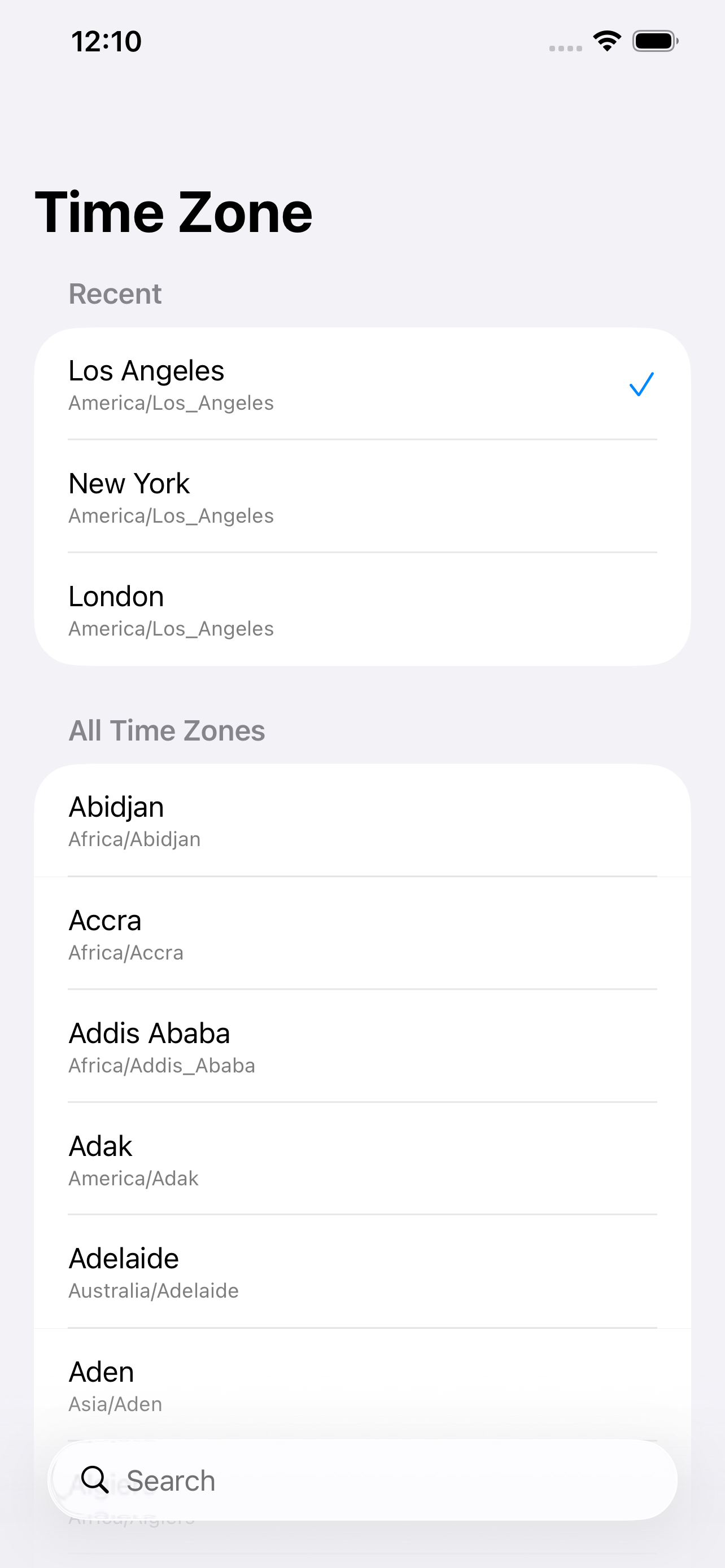
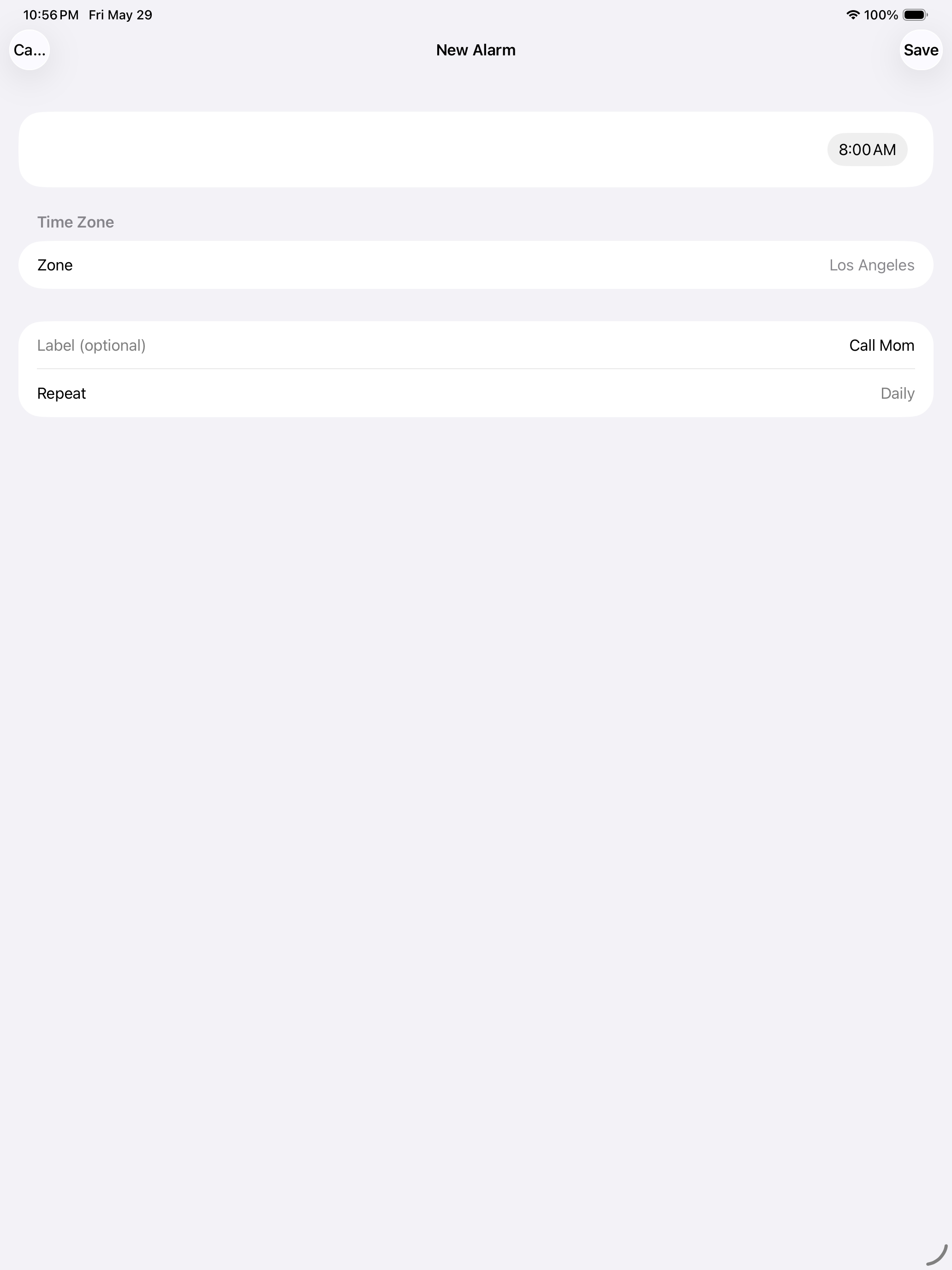
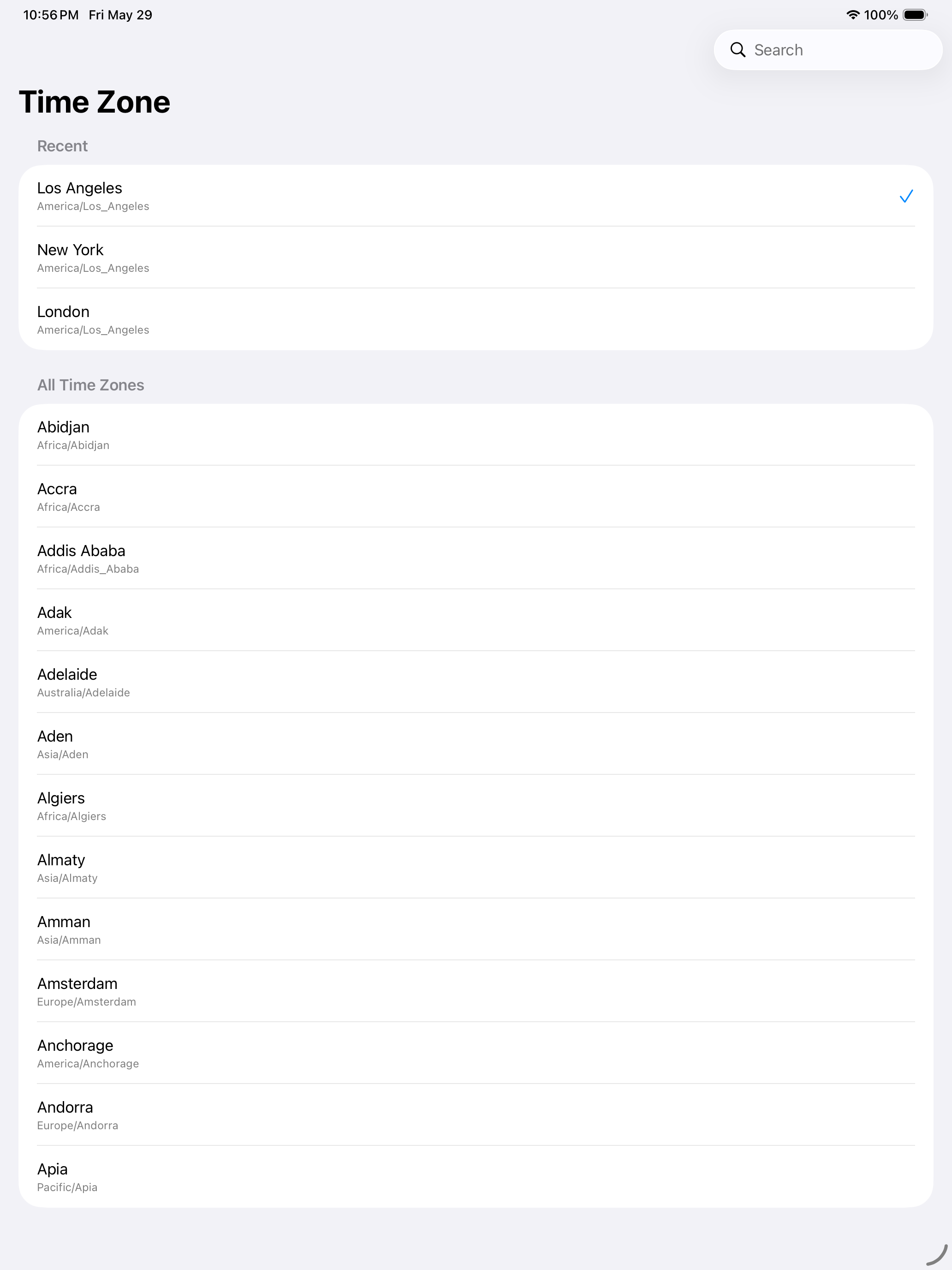
Tap +. Pick a time. Pick a city. Tap Save.
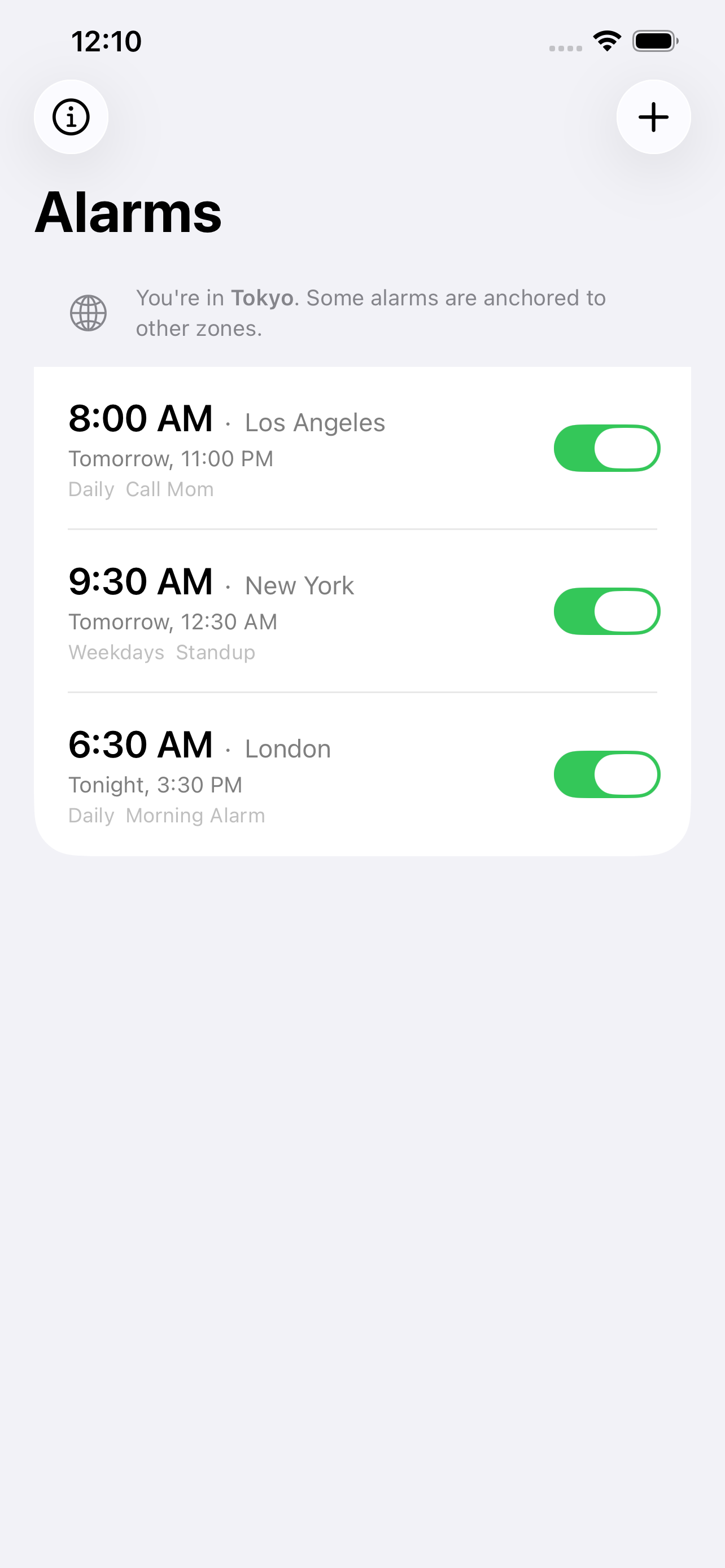
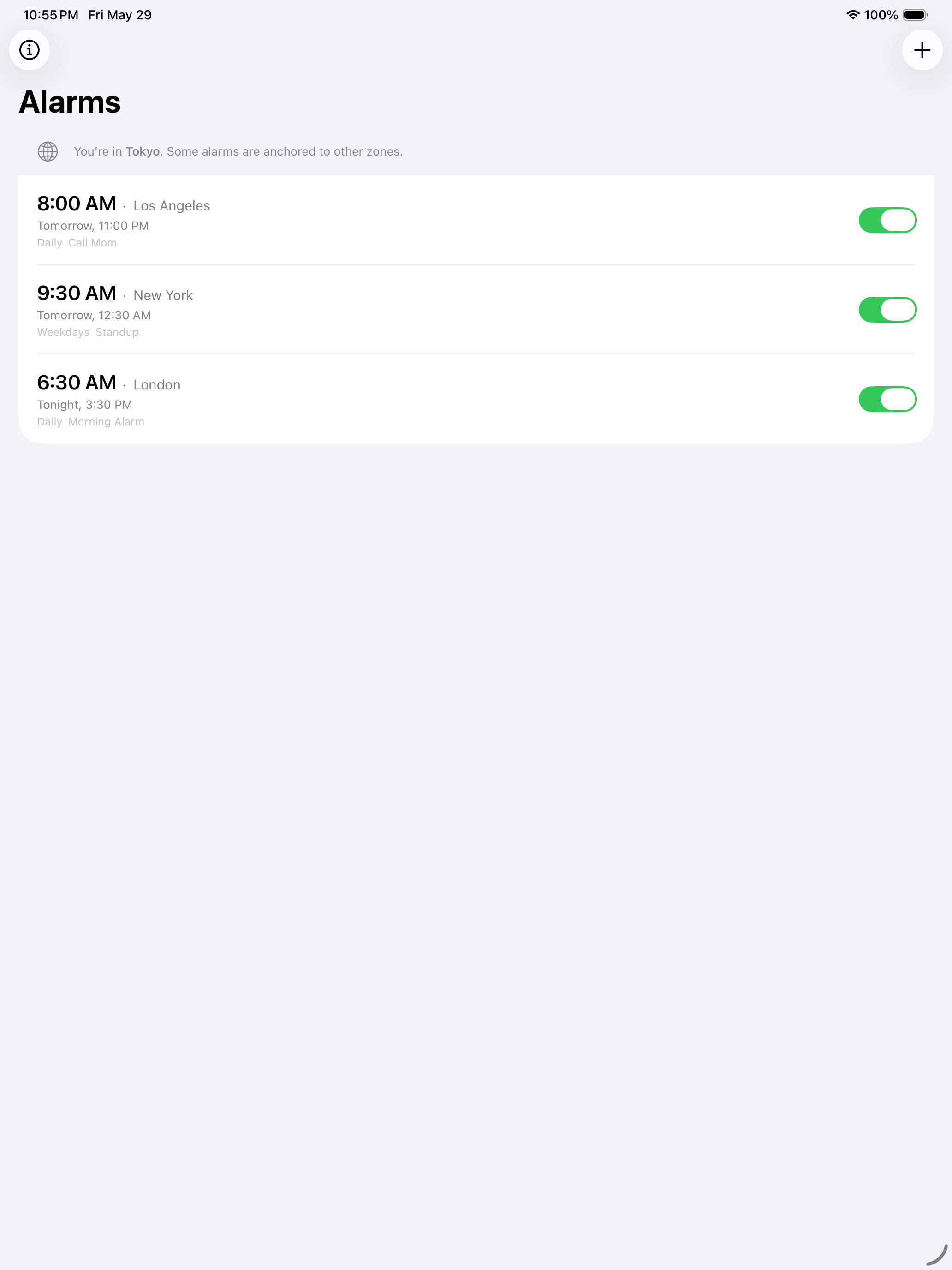
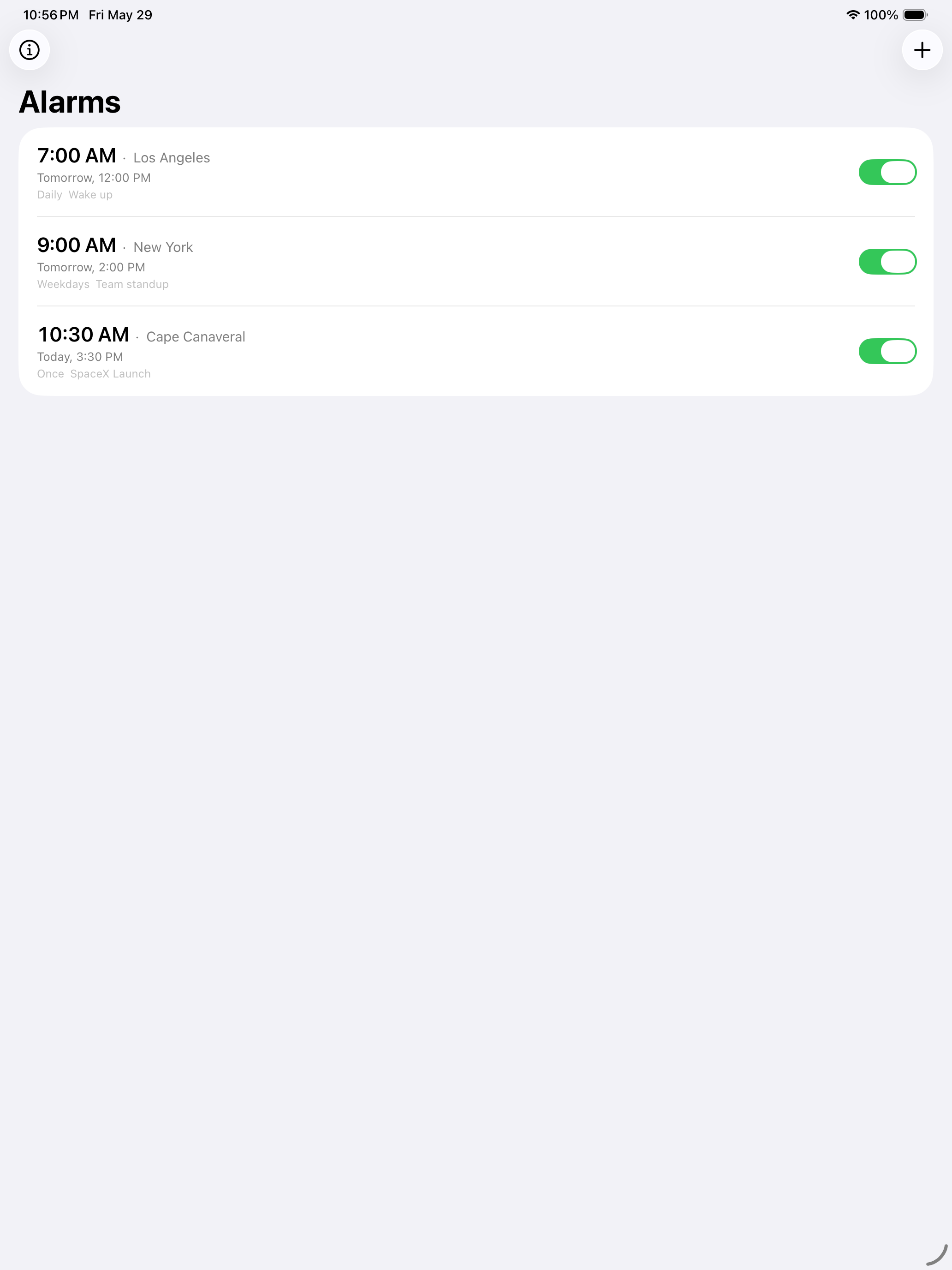
Each alarm shows its anchored time and zone, the next fire time in your current local time, and its repeat pattern. A subtle note appears when your device is in a different zone than one of your alarms — so you always know what fires and when.
What it is
One job: alarms anchored to a city. Free, with an optional tip. No subscription, no ads, no accounts, no analytics.
Requires iOS 26 or later.
Screenshots
Recent Updates
Bug fixes and improvements
This update includes bug fixes and improvements.
- Resolved an issue where some time zone changes could cause alarms to fire at unexpected times.
- The alarm alert now displays the alarm's label along with its anchored time and city.
- Improved the behavior of one-time alarms set for a time that has already passed.
Launch
First release.
Privacy
The developer does not collect any data from this app. Alarms are stored privately on your device and synced via iCloud to your own devices only.